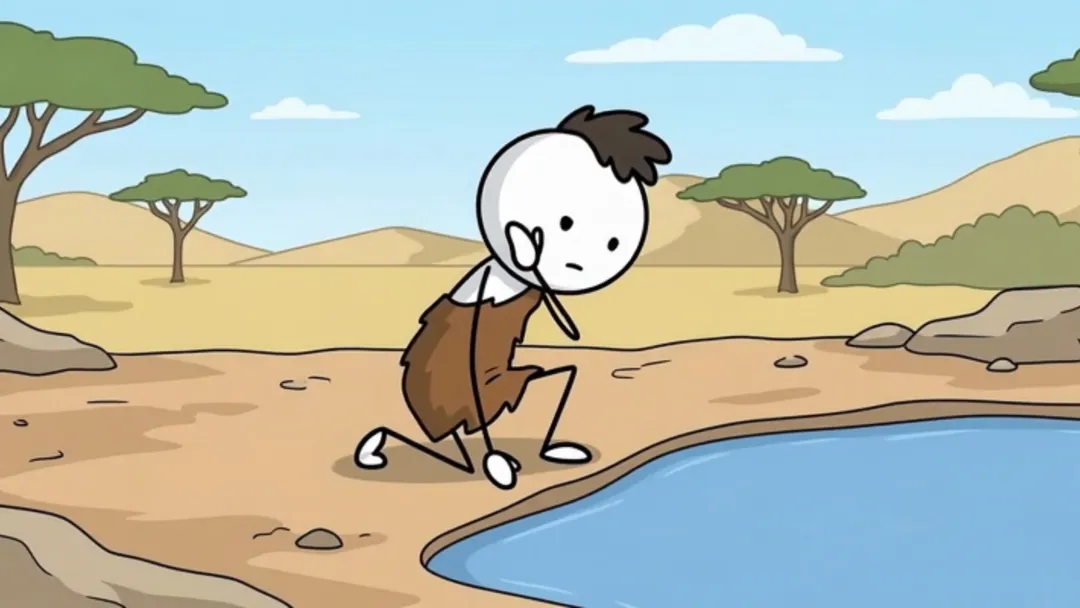
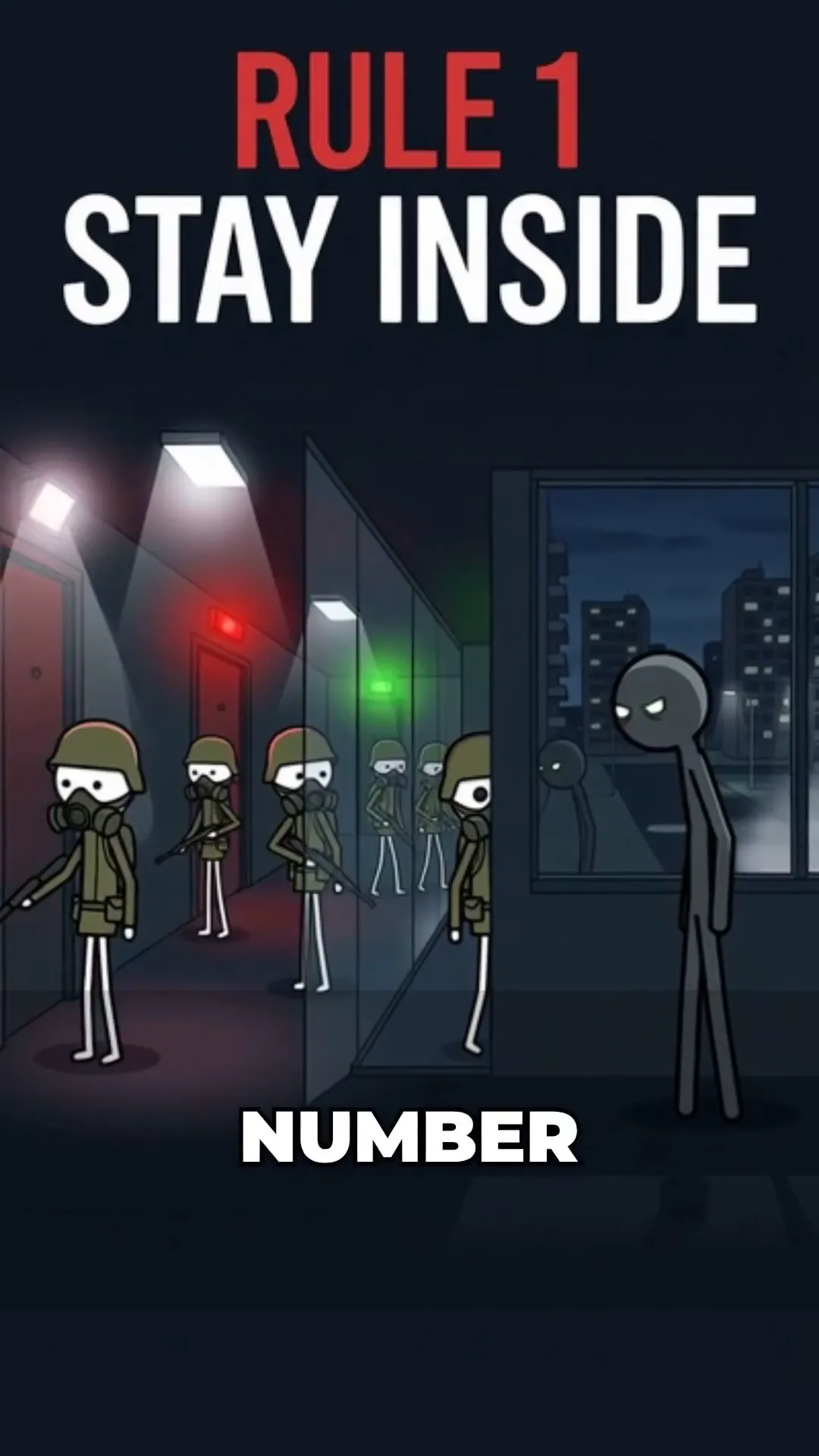
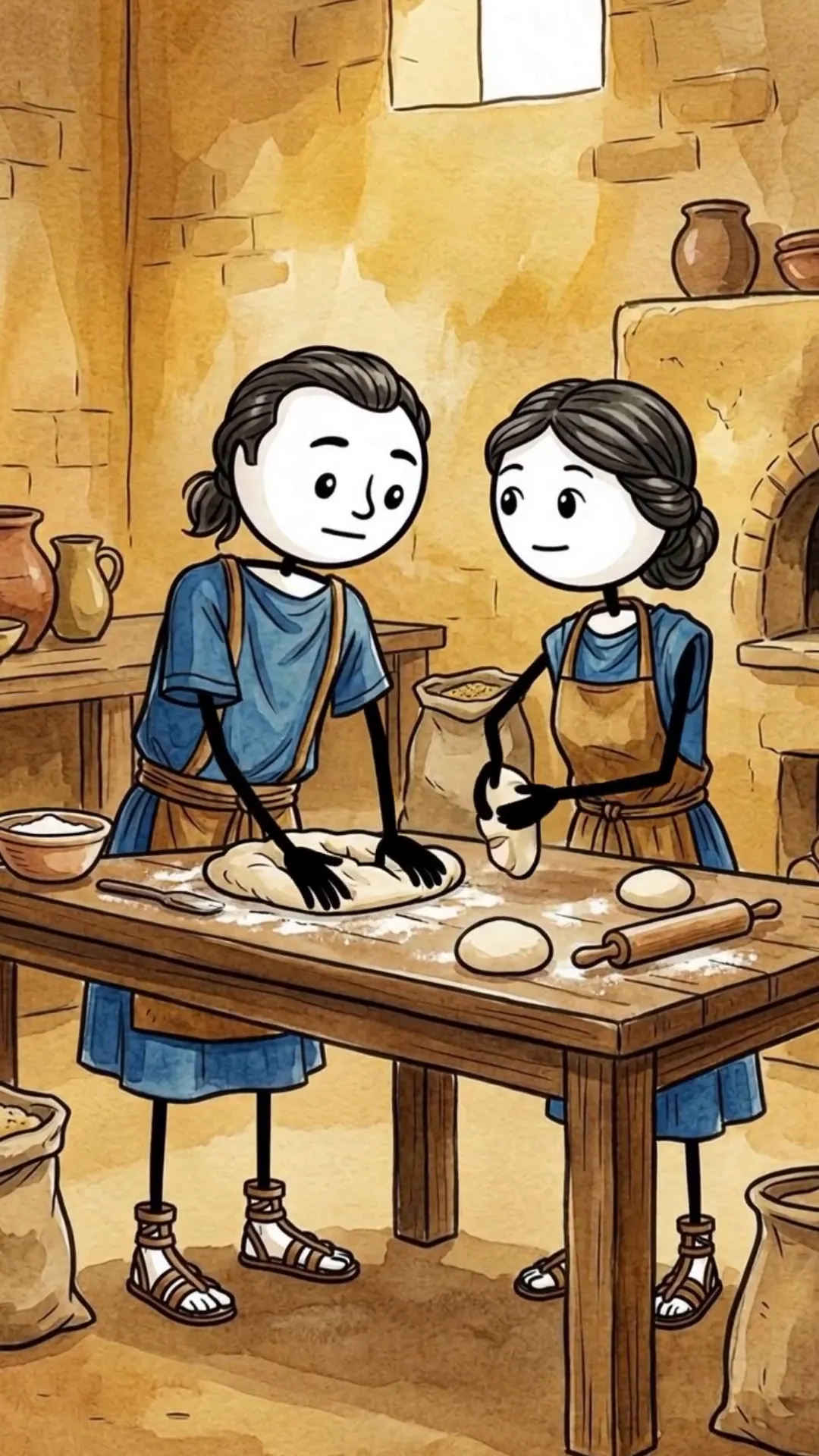
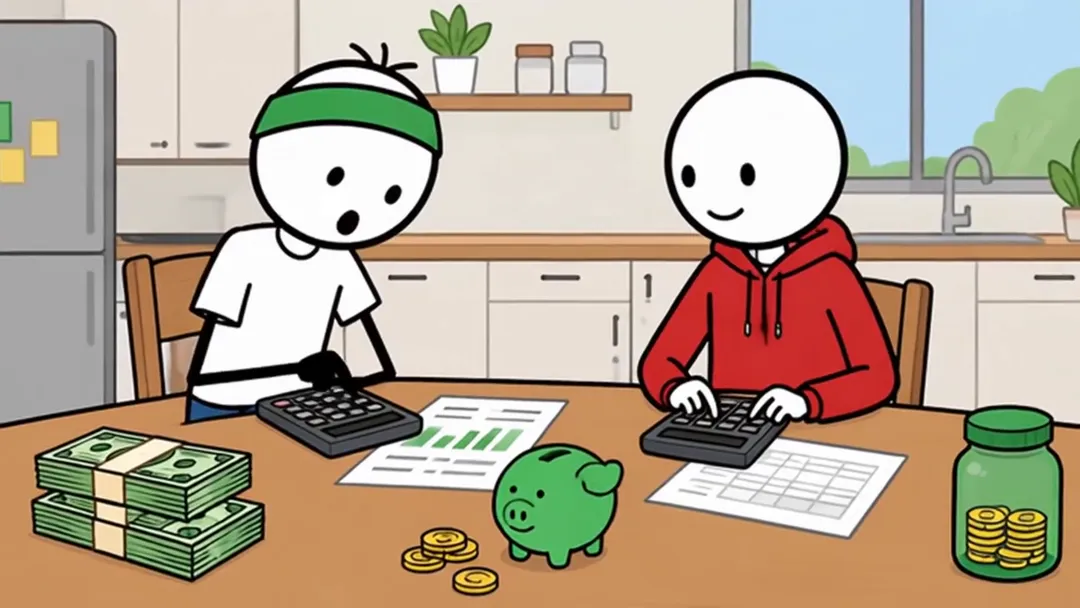
Five stickman formats, five different jobs
An AI stickman video generator turns a topic or written script into narrated scenes with stick-figure characters. Korpi has five stickman formats: Stickman Animation, Stickman Stories, Stickman History, Stickman Ancient and Stickman Finance. Choose the format around what the viewer should understand or experience, then review the script, characters, scenes and audio before rendering.
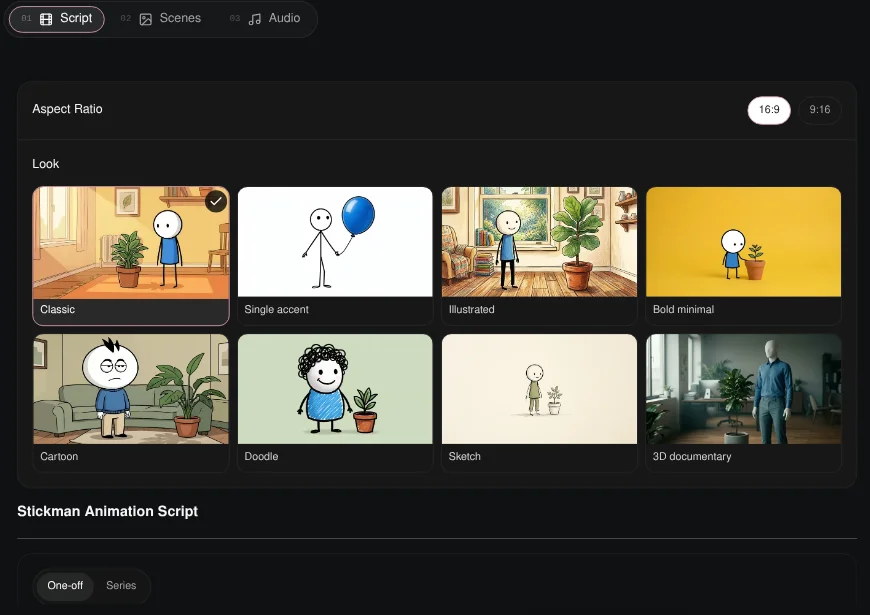
For a general stick figure animation maker, start with Stickman Animation. It combines flat 2D figures, cartoon environments, white cards, diagrams and comparisons with a single unseen narrator. The other four formats give that simple visual language a more specific job: survival suspense, historical storytelling, prehistoric survival or personal finance education.
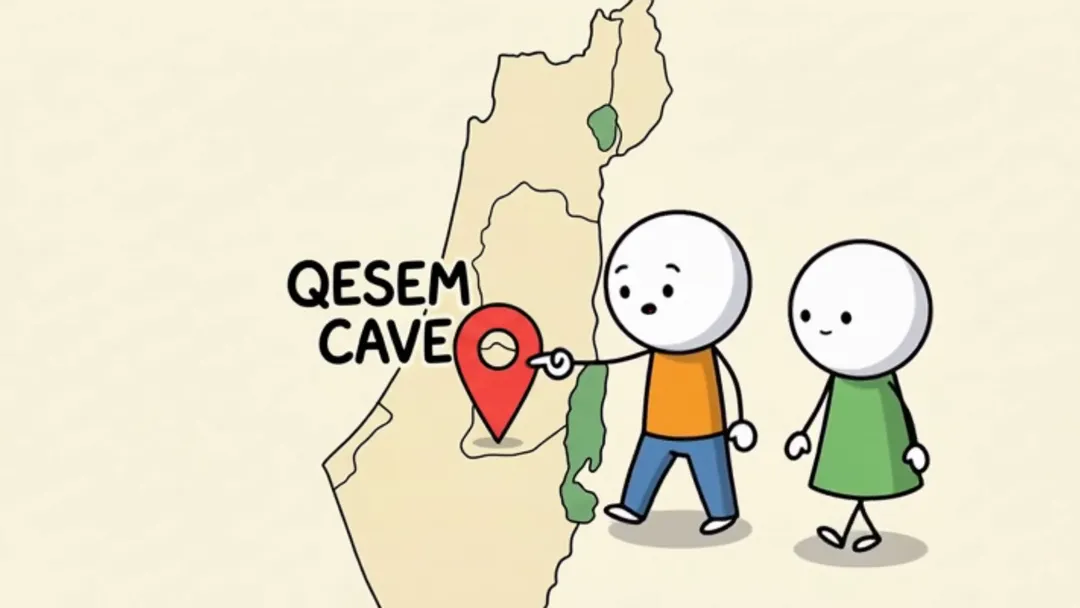
The example frames below come from existing Korpi example videos. Use them to compare the formats before opening a creator. Public examples are free to watch; creating and exporting a custom video requires a paid plan and credits. A useful first decision is whether the episode needs an explanation, a sequence of survival rules or a setting that already carries the story.
Choose the workflow around your episode
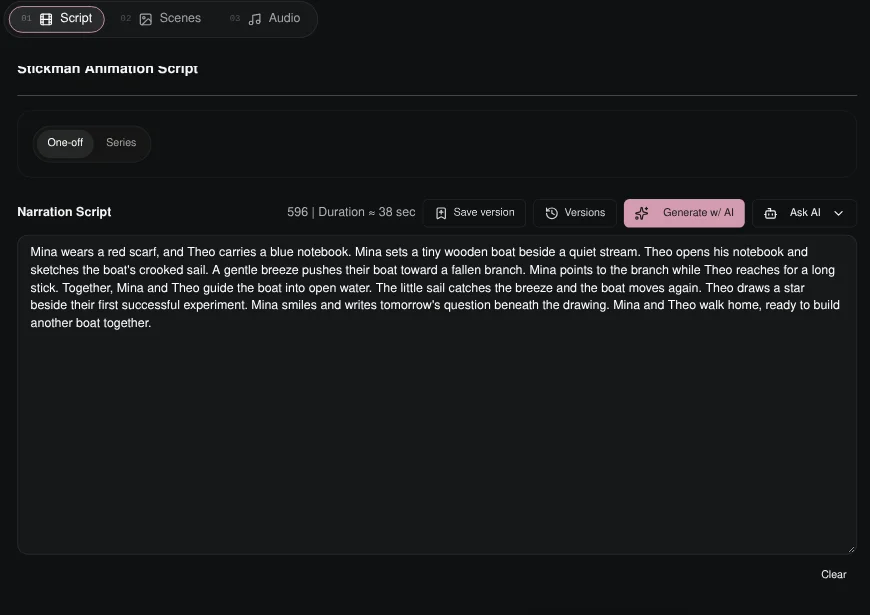
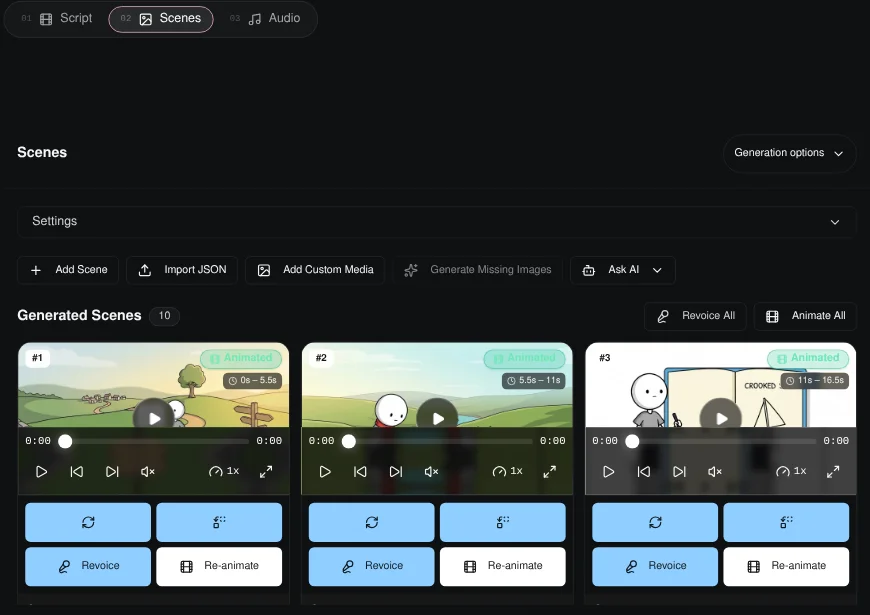
The best AI stickman video generator depends on the episode you want to direct. Start with the story structure: an explanation, survival rules, a historical scene, prehistoric survival or a money lesson. Then compare the example frame and full video, choose the aspect ratio and review the script before moving into scenes.
For a fair comparison, separate format fit from editing controls and publishing. The official competitor pages above describe different strengths; their advertised features were checked on the stated date. Review current plans and limits on the linked sites before buying. A longer episode, detailed action editor or recurring publishing schedule may matter more to your channel than the number of available visual styles.
For the wider workflow, read the faceless video generator comparison, browse all video formats, or check current Korpi plans.