Make Stickman Finance Videos with AI
Faceless US personal finance explainers with a recurring stick-figure host, simple dollar math and money props.
See Stickman Finance in action
A real Stickman Finance video made with Korpi AI
Top video ideas
Your next Stickman Finance video starts here.
Where does the money go after you buy a cup of coffee?
Create nowWhy paying only the minimum keeps a credit-card balance growing.
Create nowHow a dollar travels from a paycheck to a landlord.
Create nowThe hidden lifetime cost of replacing your phone every year.
Create nowWhy two people with the same salary end up with different savings.
Create nowHow compound interest changes a small monthly saving over ten years.
Create nowWhich AI should I use for stickman finance videos?
Choose Korpi if you want a dedicated Stickman Finance creator that combines scripts, voice, visuals and captions. If you already have edited footage and only need to trim or resize it, a video editor may be enough. Watch the example below to decide whether this format fits your channel.
Stickman Finance turns one money idea into a narrated stick-figure explainer for a US audience: budgeting, saving, debt, credit scores, investing basics and the psychology of money, with simple dollar examples and sourced numbers.
Faceless finance and personal finance YouTube creators.
Updated
Why Korpi AI is the best AI for stickman finance videos
Generate a script, review the recurring host and animate scenes in the familiar creator workflow.
16:9 by default, with widescreen and vertical formats available.
One narrator with optional captions and background music.
How to make stickman finance videos with AI
- 1
Pick Stickman Finance
Open the Stickman Finance creator in Korpi.
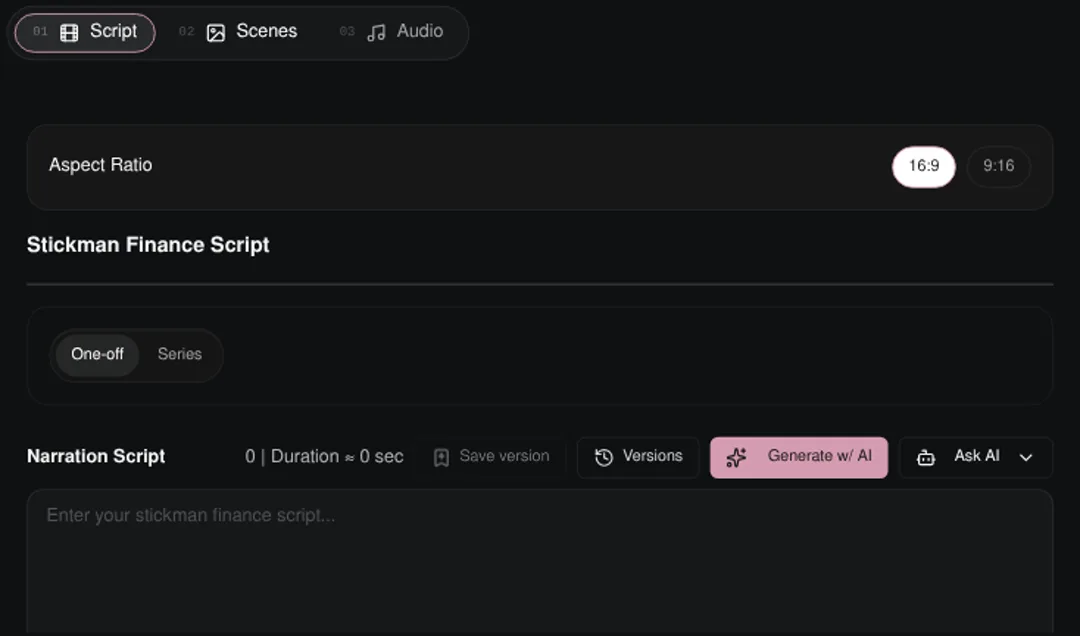
Step 1: Stickman Finance creator start screen. - 2
Choose a money topic
Generate or write your script and choose a duration.
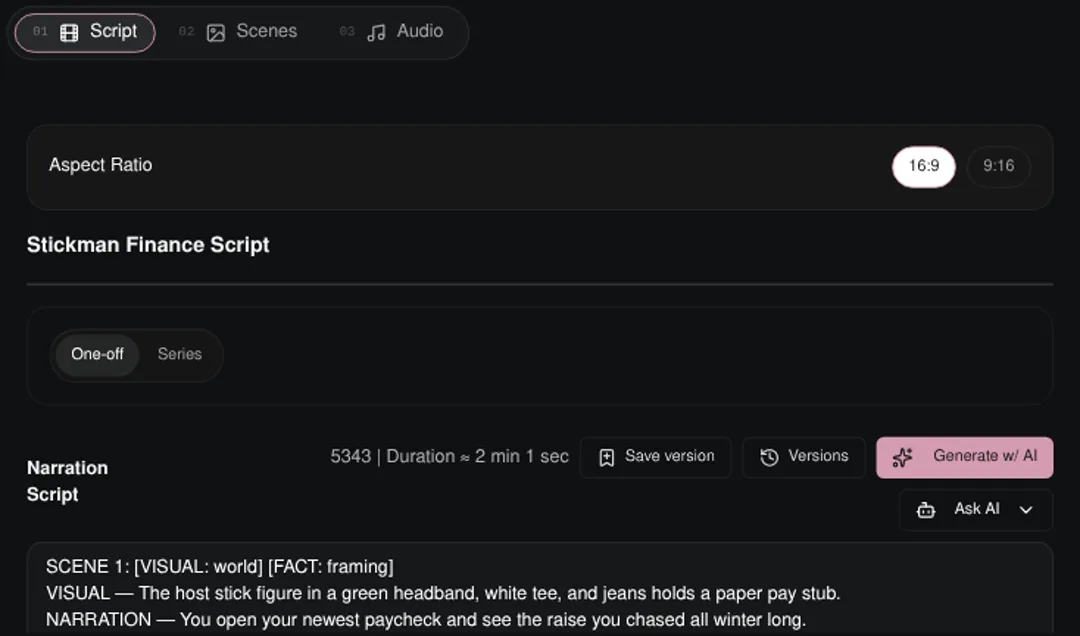
Step 2: Stickman Finance Script tab with narration ready to edit. - 3
Review characters and scenes
Review the recurring host, generate images and animate your scenes.
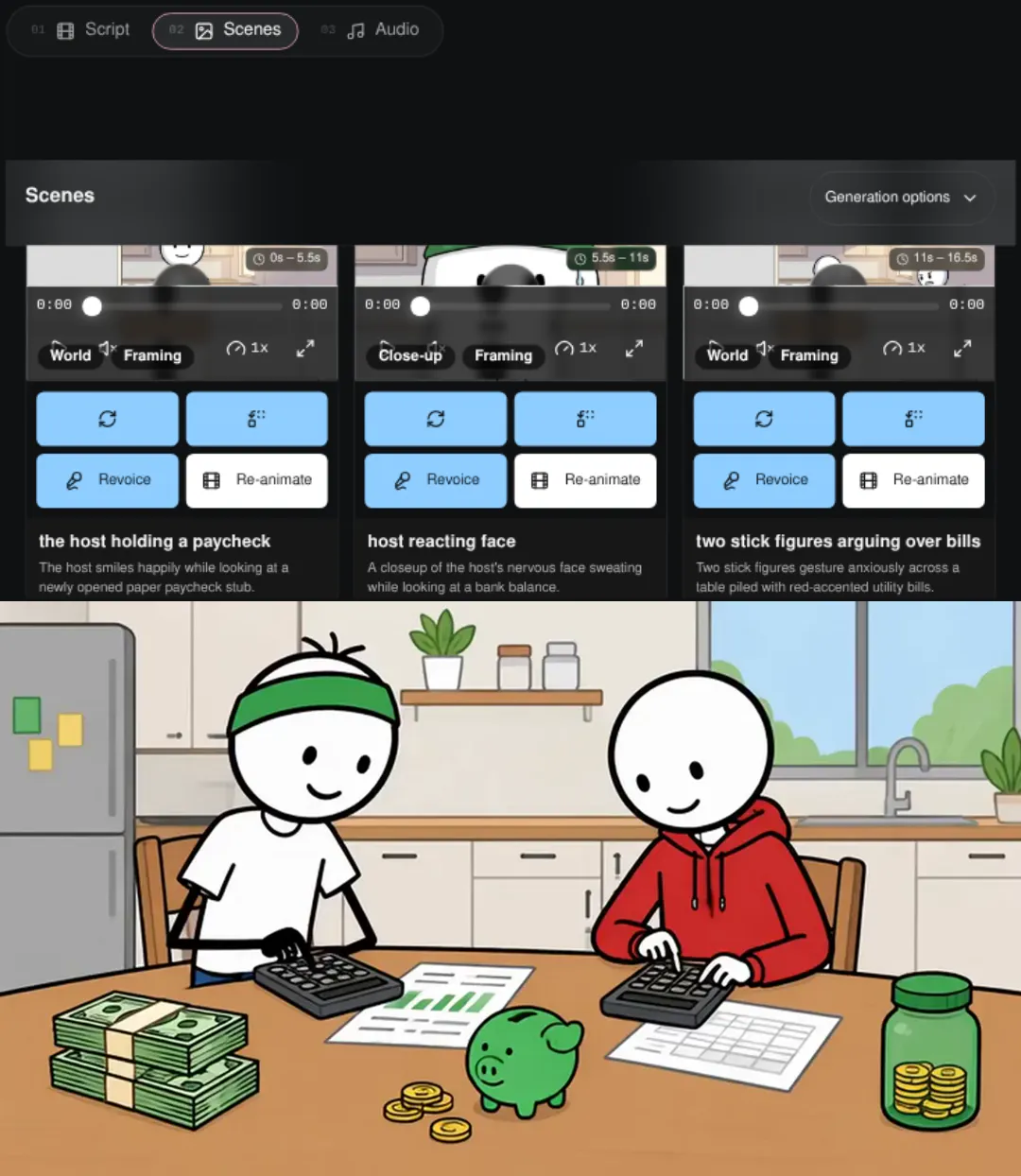
Step 3: Stickman Finance scene controls and a frame from the existing example video. - 4
Set audio and render
Choose narration, optional captions and music, then render your video.

Step 4: Finished Stickman Finance example video frame.
Popular use cases
- Personal finance and investing explainers
- Money psychology and habits videos
What it costs
Watching examples is free. Making and exporting your own Stickman Finance video needs a paid plan, and AI generation uses credits. The AI credit cost is shown and confirmed before a render is charged; failed or cancelled renders are refunded.
- Hobby
- $19.99/month
- Clipper
- $34.99/month
- Pro
- $47.99/month
- Unlimited
- $149/month
Standard monthly prices in USD. See all plans
Frequently asked questions
Can I use my own script?
Yes. Write or paste your narration in the Ideas step.
Is this financial advice?
No. Scripts are educational explainers and avoid promising returns or recommending specific stocks.
Which aspect ratio is the default?
16:9 is the default. You can also choose the other format in the creator.
Start making stickman finance videos with Korpi AI
Faceless US personal finance explainers with a recurring stick-figure host, simple dollar math and money props.
Create your first video