AI Explainer Video Generator for History, Science and Psychology
Pick an AI explainer style by topic: maps and charts, stick figures, clay, paper, whiteboard or 3D documentary. Each Korpi creator writes, narrates and captions the video.
Quick answer
An AI explainer video generator turns a topic into a narrated video: a script, one illustration per scene, a voiceover and captions. Korpi has a separate creator for each explainer style. Choose the style that fits the topic, enter the subject, review the script and scenes, then render. Use the list below to choose.
Choose a style by topic
- History, money and news, explained with evidence: Vox Explainer. Paper-cut maps, charts, diagrams and archival cutouts. Vertical 9:16.
- A historical moment from the inside: Stickman History. Expressive stick figures in period costume on parchment. Vertical 9:16.
- One historical moment as a short: Origami History. Folded-paper dioramas and paper maps. Vertical 9:16.
- Science, history or mystery stories: Paper Stop-Motion. Layered cardstock worlds, locked camera. Vertical 9:16.
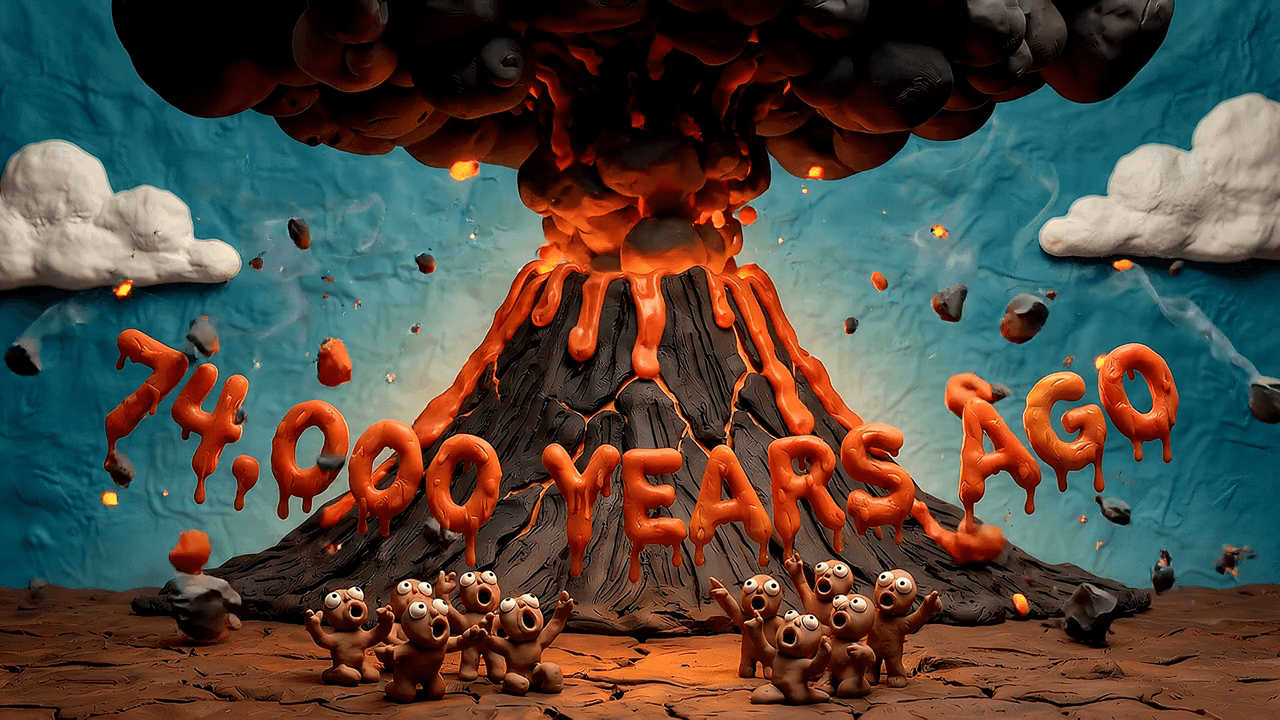
- Deep-time science and prehistory: Claymotion. Plasticine stop-motion with clay dinosaurs and volcanoes. Widescreen 16:9.
- True crime and mystery documentaries: Documentary 3D. Faceless mannequin figures in moody 3D sets. Widescreen 16:9.
- Psychology and learning: Education Explainer. Thin-line stick figures, red accents, short labels. Widescreen 16:9.
- Relatable psychology stories: Cartoon Explainer. A sleepy-eyed cartoon character, muted rooms, thought bubbles. Widescreen 16:9.
- Book ideas, habits and concepts: Whiteboard Animation. Black-marker drawings with labels and arrows. Widescreen 16:9.
- Money concepts: Stickman Finance. A stick-figure host in flat-colour money scenes. Widescreen 16:9.
- A habit, feeling or trait in 45 seconds: Sticker Explainer. Die-cut sticker illustrations on a warm-yellow board. Vertical 9:16.
The default format is where each creator starts. Check the format setting in the creator before you render.
How an explainer is made in Korpi
- 1Pick the creator and topic. Generate a script from a subject or paste your own. Scripted explainers keep one idea per scene so each illustration can carry it.
- 2Review the scenes. Korpi generates one image per scene in the creator's locked style. Regenerate any scene that does not match the narration.
- 3Add narration and render. Choose a voice, keep captions on for phone viewers, add music if you want it, and render.
What makes an explainer worth watching
- One concrete number or fact early. It gives the viewer a reason to keep watching.
- One idea per scene. Viewers drop off when a picture and a sentence say different things.
- Facts you can source. The Vox Explainer creator tags every scene as sourced, estimate or framing (step-by-step guide). Check sourced claims before you publish.
- A consistent look. Switching styles mid-series makes a channel harder to recognise. Pick one creator per series.
Other tools
If you mainly need standalone images, cinematic clips or ads, a general creative suite may fit better; see Korpi vs Higgsfield for a sourced comparison. For channel planning, see faceless YouTube channel ideas.
Watching examples is free. Generating and exporting your own explainer requires a paid plan, and AI generation uses credits. Compare plans.
FAQ
What is the best AI explainer video style for history?
It depends on the angle. Vox Explainer suits evidence-led history with maps and charts, Stickman History and Origami History suit one story told from the inside, and Documentary 3D suits mysteries and true crime.
Can Korpi make science explainer videos?
Yes. Claymotion covers deep-time science and prehistory in clay stop-motion, and Paper Stop-Motion covers science, history and mystery stories in layered cardstock.
Are the explainer videos vertical or widescreen?
Both exist. Vox Explainer, Stickman History, Origami History, Paper Stop-Motion and Sticker Explainer start vertical for Shorts, TikTok and Reels. Claymotion, Documentary 3D, Education Explainer, Cartoon Explainer, Whiteboard Animation and Stickman Finance start in 16:9 widescreen.
Is the AI explainer video generator free?
No. Watching example videos is free, but generating and exporting your own explainer requires a paid Korpi plan, and AI generation uses credits.
See what else Korpi makes
Every video below is a real render — click one and make your own version.
Ready to create viral content?
No camera, no editing. Script, voice and video generated together — your first video is free.
Try Korpi AI NowFound this helpful? Share it with other creators!