How to Make Stickman Videos with AI, Step by Step
How to make stickman animation videos in Korpi: choose one of five stickman formats, pick a Look, generate the narration, review the scenes and render, with no drawing.
Published
Quick answer
Pick a stickman format: Stickman Animation for general explainers, or one of the focused versions for ancient survival, history, finance or second-person stories. On the Script tab, choose 16:9 or 9:16, pick a Look (in Stickman Animation), click Generate w/ AI, choose a Script Type and a duration and generate the narration. On the Scenes tab, review the elements and generate the scenes. On the Audio tab, check the narrator, captions and music and click Generate video. You never draw anything.
The five stickman formats
All five run on the same stickman creator with a calm narrator over simple cartoon worlds. They differ in topic, frame and defaults:
- [Stickman Animation](/create/stickman). Explainers about ancient survival, history, body science and psychology, with eight Looks to choose from. 16:9 by default.
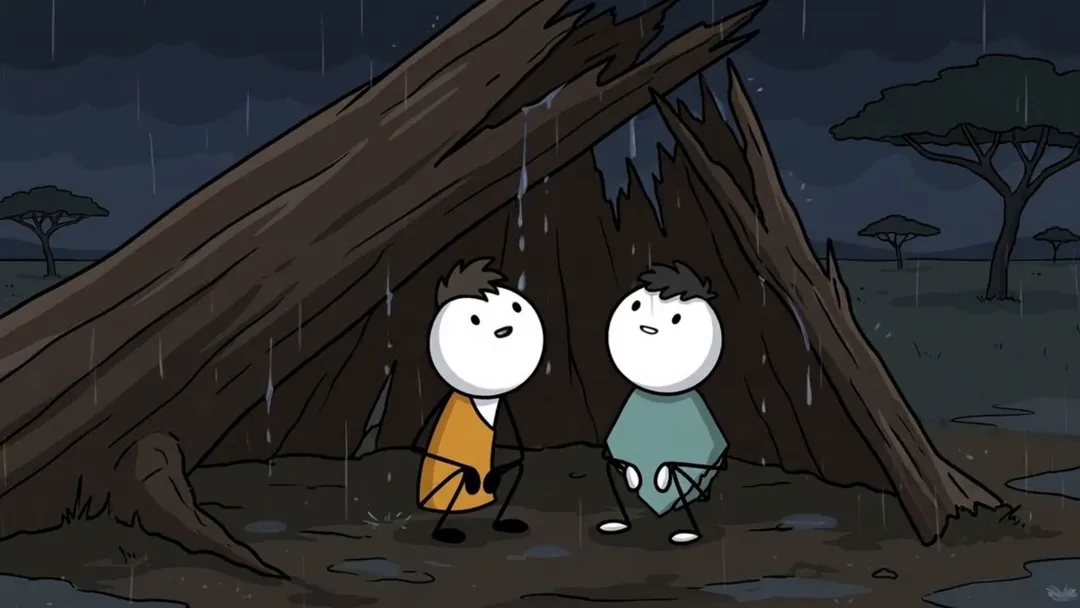
- [Stickman Ancient](/create/stickman-ancient). Prehistoric survival stories with cave camps and ancient landscapes. 16:9.
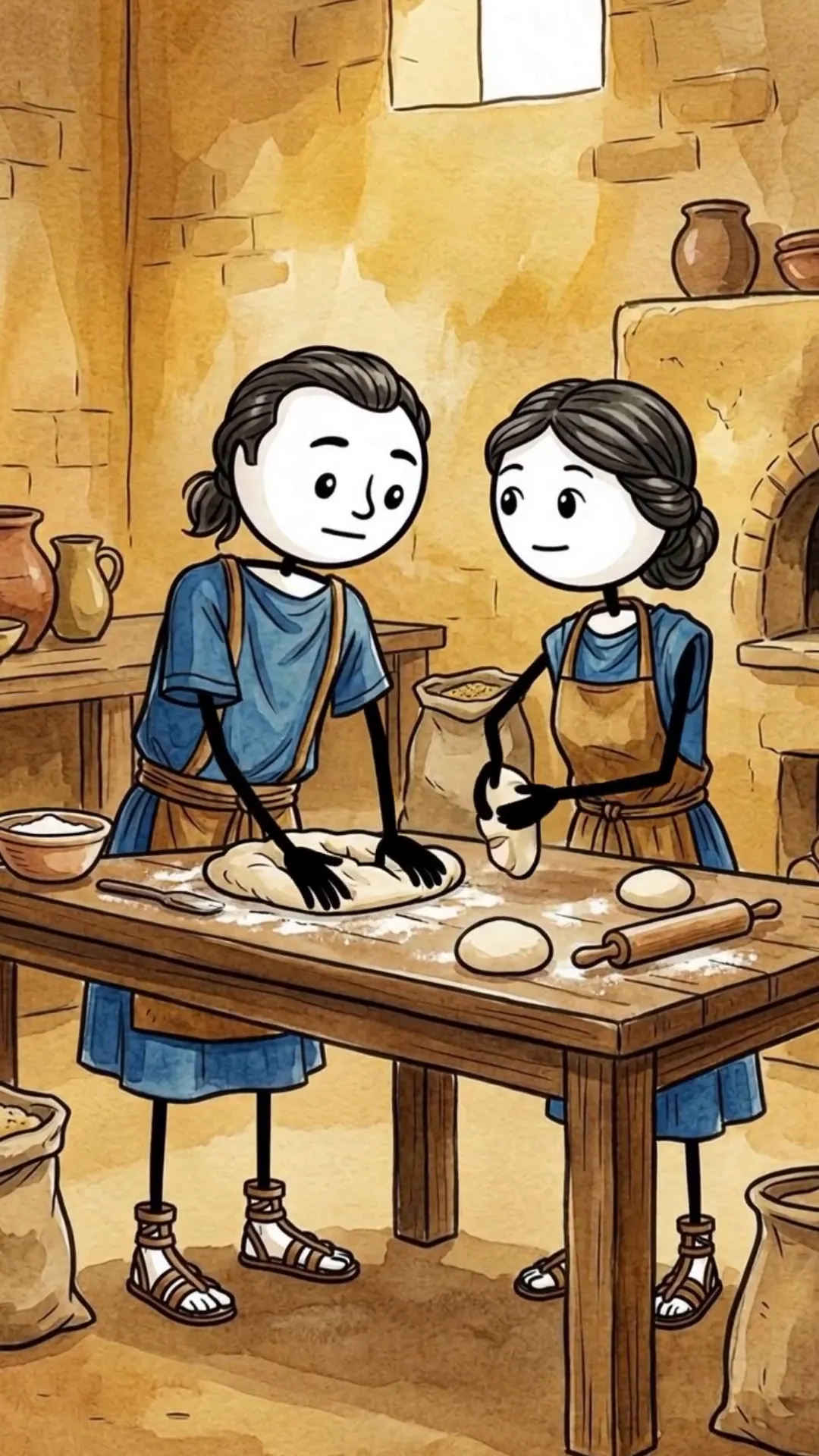
- [Stickman History](/create/stickman-history). Historical stories with period costumes and parchment worlds. 9:16.
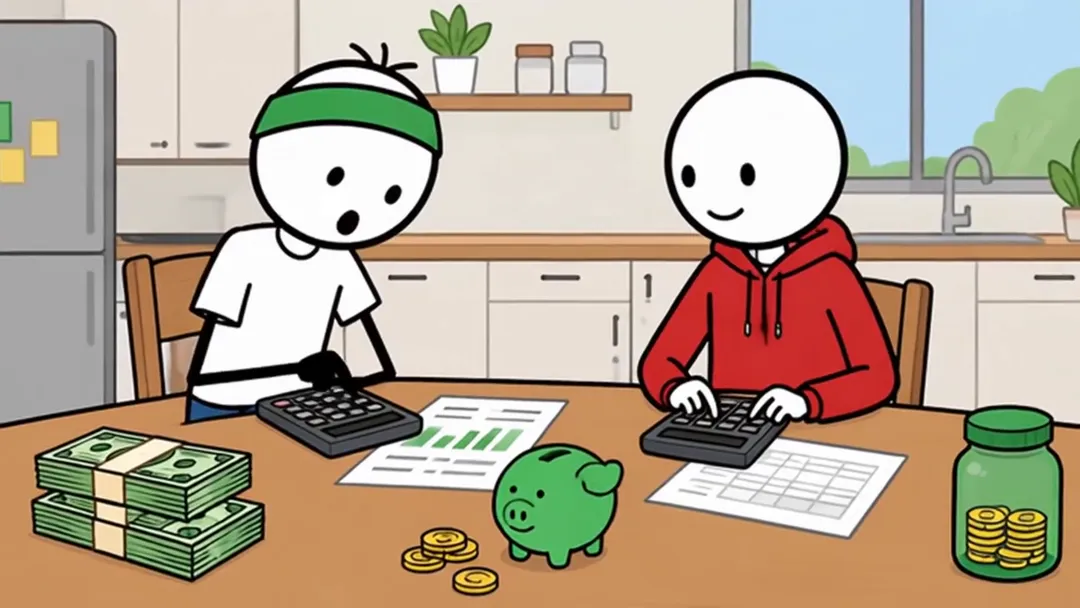
- [Stickman Finance](/create/stickman-finance). Personal finance explainers with a recurring green-headband host. 16:9.
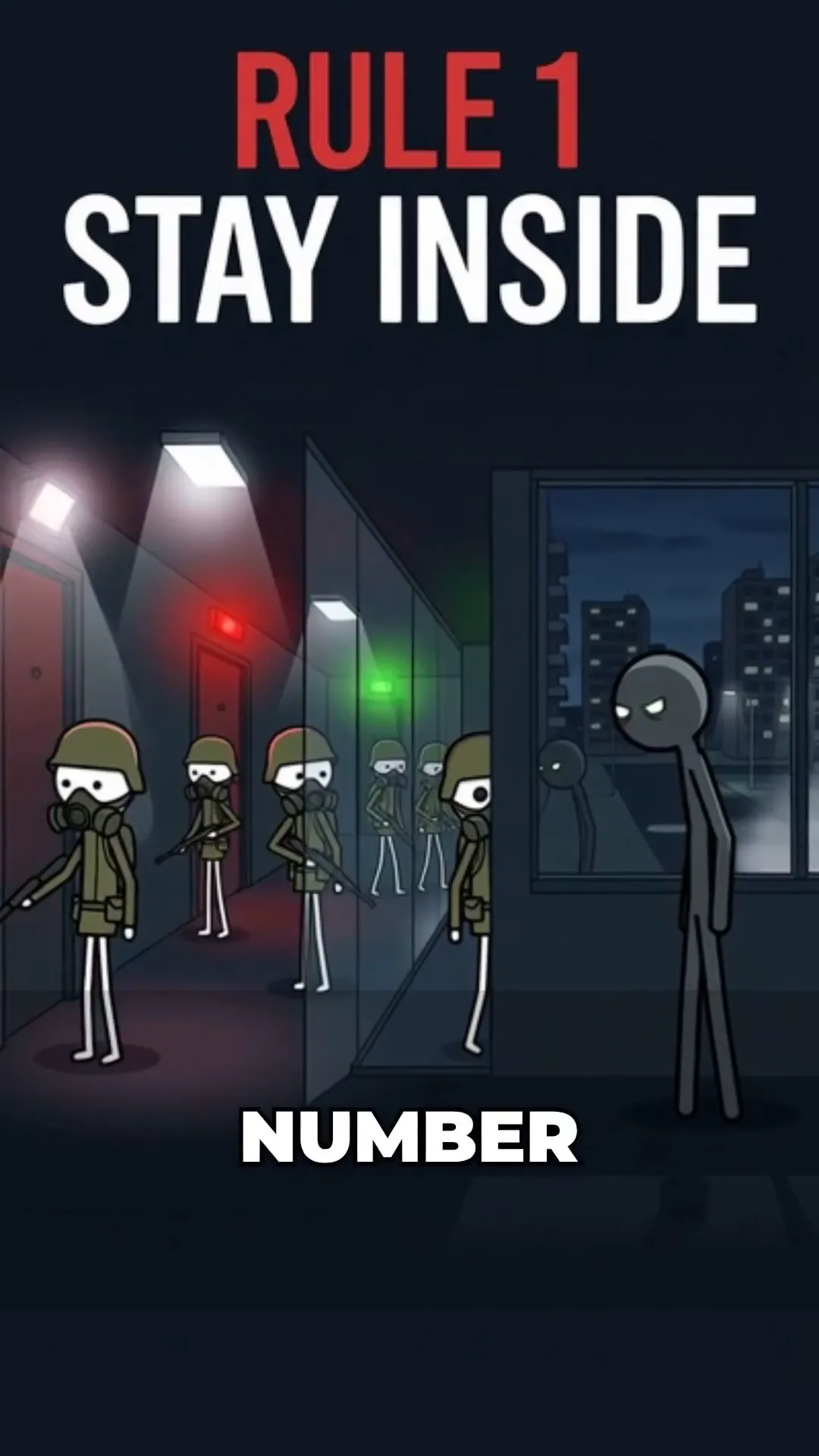
- Stickman Stories. Second-person survival stories with numbered rules and a cliffhanger choice. 9:16, captions on.
Step 1: Pick the frame and the Look
Open Stickman Animation. The Script tab starts with Aspect Ratio (16:9 or 9:16). Below it, Look sets the drawing style for every scene: Classic, Single accent, Illustrated, Bold minimal, Cartoon, Doodle, Sketch or 3D documentary. The focused formats skip the Look picker because their style is fixed.
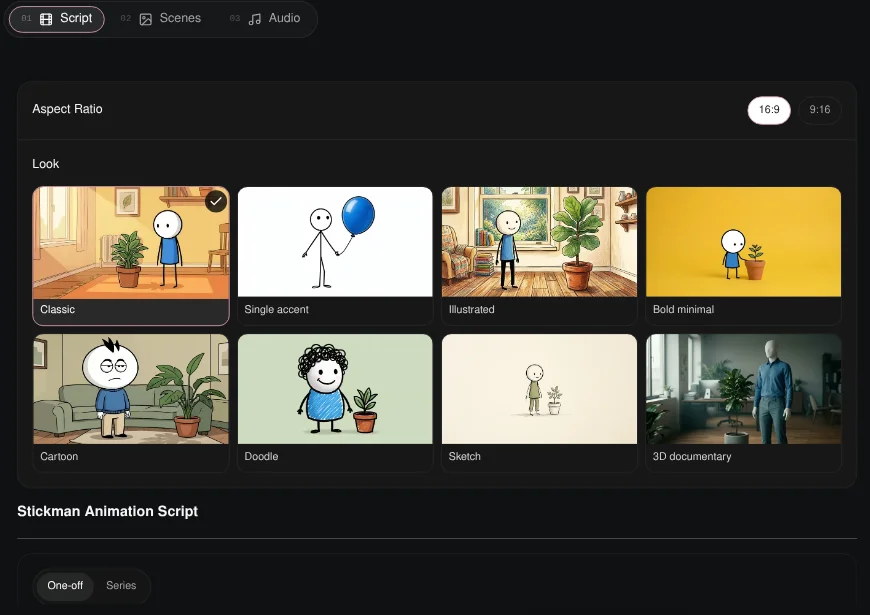
Step 2: Generate the narration script
Click Generate w/ AI above the Narration Script box.
- 1Script Type. Ancient Survival, Inside History, Body Science, Mind & Behaviour, Concept Explainer, Psychology Advice or Discipline Story. Each format starts on the type that fits it, for example Inside History for Stickman History and Concept Explainer for Stickman Finance.
- 2Duration. From 1 minute to 10 minutes. Long scripts (5 and 10 minutes) are 16:9.
- 3Source. Idea List suggests ideas, Custom Subject lets you set the subject and angle, and Remix Video writes a new script from a link.
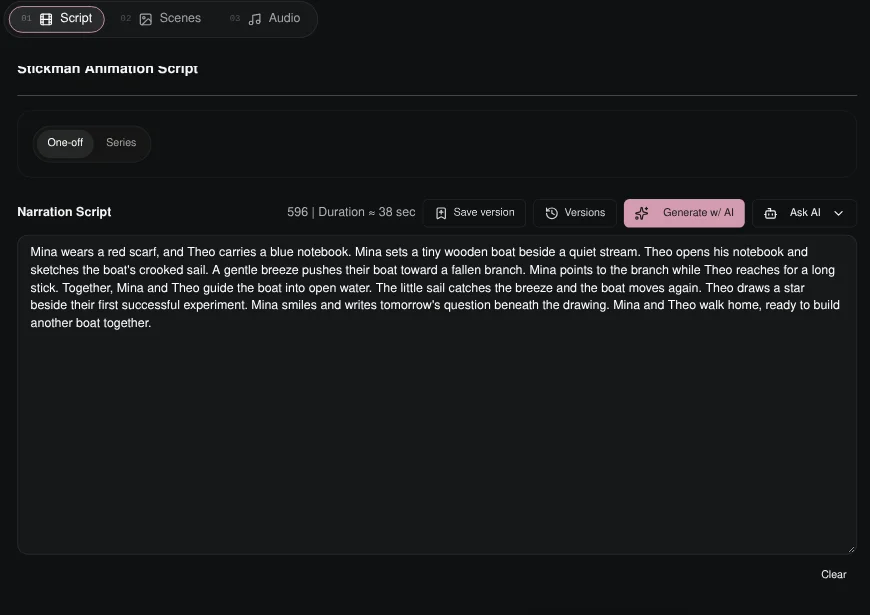
Edit any line in the Narration Script box, and use Save version and Versions to keep drafts.
Step 3: Review the elements and generate scenes
On the Scenes tab, click Generate Scenes and Characters. Korpi finds the cast and key locations, makes one reference image for each and shows them under Review your elements. Approve or regenerate them and click Continue to scene images, or Skip references.
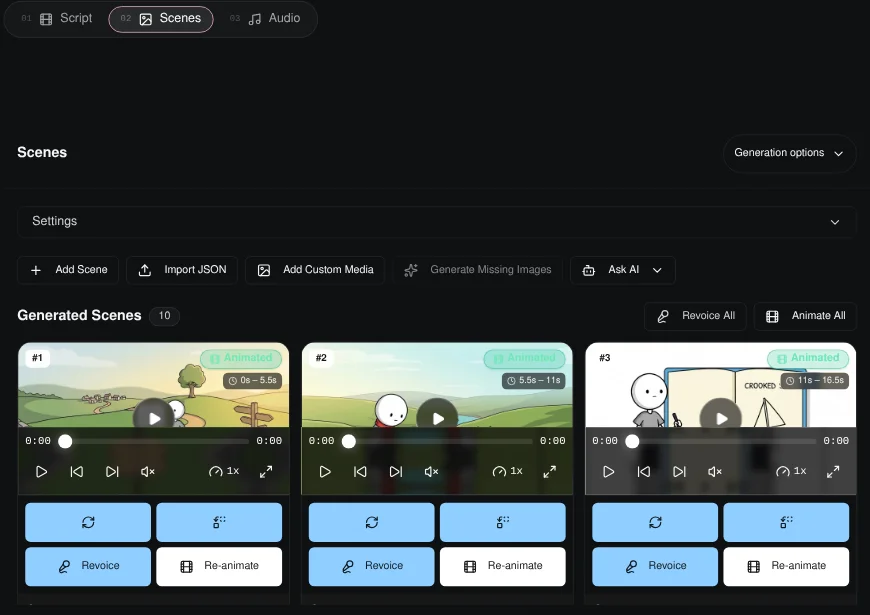
Each scene can be regenerated, replaced with your own media or animated. Animate All animates every scene and Revoice All redoes the narration.
Step 4: Audio and render
On the Audio tab, the narrator is set for you; you can also upload a voice. Background music is optional. Captions are off by default in most stickman formats (Stickman Stories turns them on); turn them on and pick a style if you need them. Click Generate video.
Plan it for free first (optional)
If you work inside Claude or ChatGPT, connect Korpi MCP. Its script and storyboard planning tools are free on every account, no plan needed. Draft the narration and storyboard in chat, then paste the script into the Narration Script box.
What makes a stickman video work
- One idea, one character. A single person, a single day or a single concept.
- Pick the Look once per channel. Viewers recognise a channel by its style.
- Use the right frame. 16:9 for long YouTube explainers, 9:16 for Shorts.
- Let the narration carry it. Stick figures keep attention on the story.
Stickman FAQ
Do I need to draw anything?
No. Every scene, character reference and title card is generated in the stickman look you choose.
Which stickman format should I pick?
Stickman Animation for general explainers with a choice of Looks, Stickman History for the past, Stickman Ancient for prehistoric survival, Stickman Finance for money explainers and Stickman Stories for second-person survival stories.
Can I make long YouTube videos?
Yes. Scripts run up to 10 minutes, and the 5- and 10-minute options are 16:9.
Is it free?
You can watch the examples free, and planning through Korpi MCP is free on any account. Generating and exporting your own stickman video needs a paid Korpi plan. See pricing for current plans.
See what else Korpi makes
Every video below is a real render — click one and make your own version.
Ready to create viral content?
Watch the example free and plan scripts free with Korpi MCP. Generating and exporting your own stickman video requires a paid plan.
Open This NicheFound this helpful? Share it with other creators!