How to Make Italian Brainrot Videos, Step by Step
How to make a brainrot food review short in Korpi: a wooden-log reviewer tasting drive-through food in his car, from a 30-second or one-minute script to a captioned vertical video.
Published
Quick answer
Open Brainrot Food Review. On the Script tab, click Generate w/ AI, pick 30s or 1m, and generate an idea or describe your own under Custom Topic. On the Scenes tab, generate the reviewer and the scenes, then animate them. On the Audio tab, captions are already on; add music if you want, and click Generate video.
What Korpi's brainrot format is
Italian brainrot is a family of absurd AI characters with deadpan voices. Korpi's take is one recurring character in one repeatable format, so the videos stay consistent:
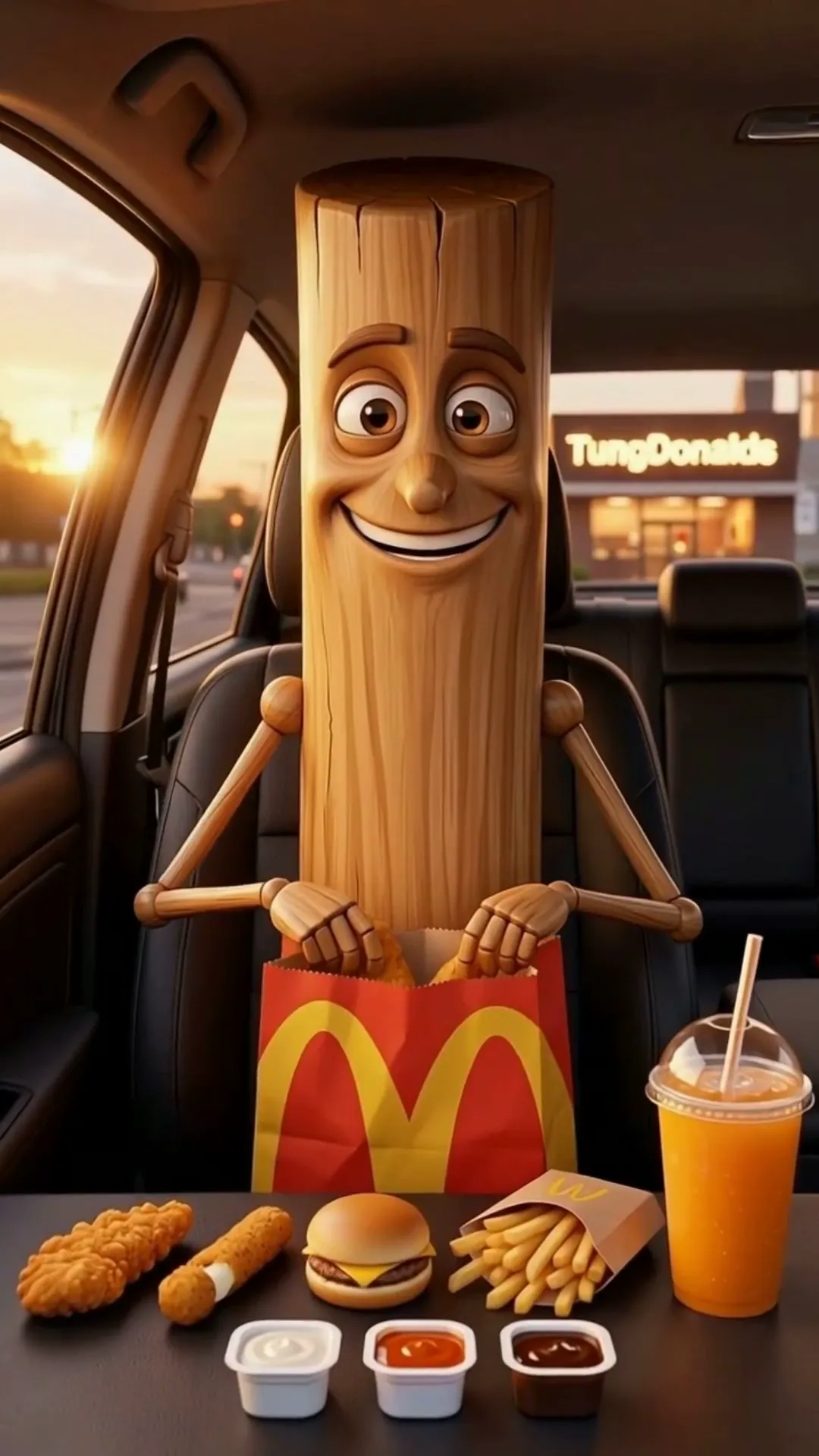
- The reviewer. Triple T, a wooden-log man rendered in a polished Pixar-style 3D look, sometimes joined by Lil Cuh, Mama Tung or Chud Sahour.
- The setting. A continuous dashboard-camera shot in his parked car, with real food handling: unwrapping, biting, sipping.
- The script. Short, colloquial tasting lines and a complete verdict at the end. It is spoken dialogue, not a narrator.
- The length. 30 seconds is exactly 4 scenes; one minute is exactly 8.
It is a food review, not the whole Italian brainrot cast. If you want a different brainrot character format, see /best-ai/italian-brainrot for what Korpi offers today.
Step 1: Open the creator
Open Brainrot Food Review. It runs on the same tools as AI Fruit Story, locked to the brainrot review format. The tabs are Script, Scenes and Audio, with a One-off / Series switch at the top of the Script tab.
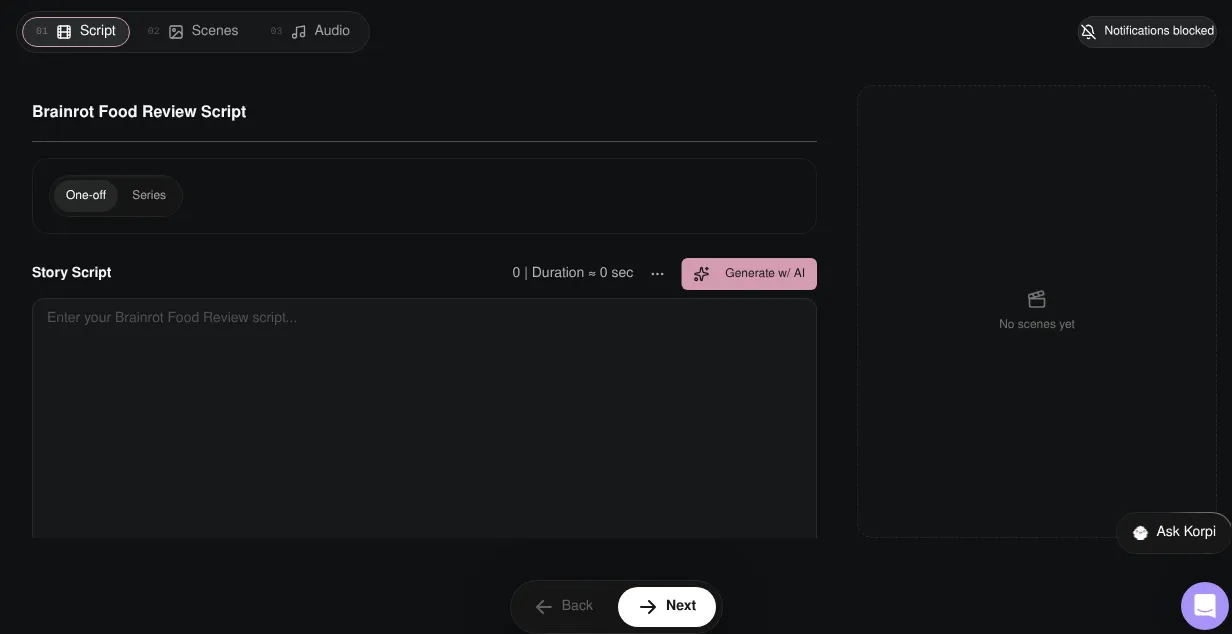
Step 2: Generate or write the review
Click Generate w/ AI. The Idea Style is fixed to Brainrot Food Review ("Triple T drive-through mukbangs and deadpan food verdicts").
- 1Duration. 30s (the default) or 1m.
- 2Source. Idea List suggests review ideas: click Generate Ideas, then Use Selected Idea. Custom Topic takes one sentence describing the review you want and Generate Script writes it. Remix Video writes a new script from a TikTok, YouTube or Instagram link.
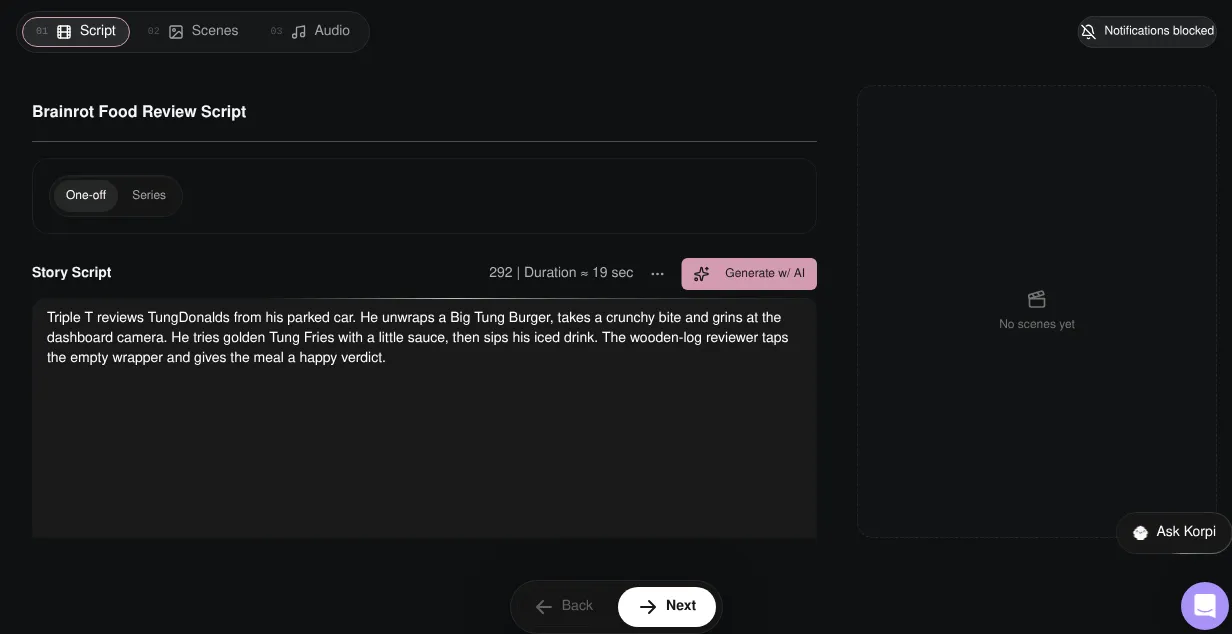
The script lands in the Story Script box. The example reviews "Big Tung Burger" and "Tung Fries" from a drive-through called TungDonalds and ends with a happy verdict. Edit any line before you move on.
Step 3: Generate the reviewer and scenes
On the Scenes tab, click Generate Scenes and Characters. Korpi makes the reference for Triple T (and any guest), then the scenes. Generate & Animate does both and animates in one go.
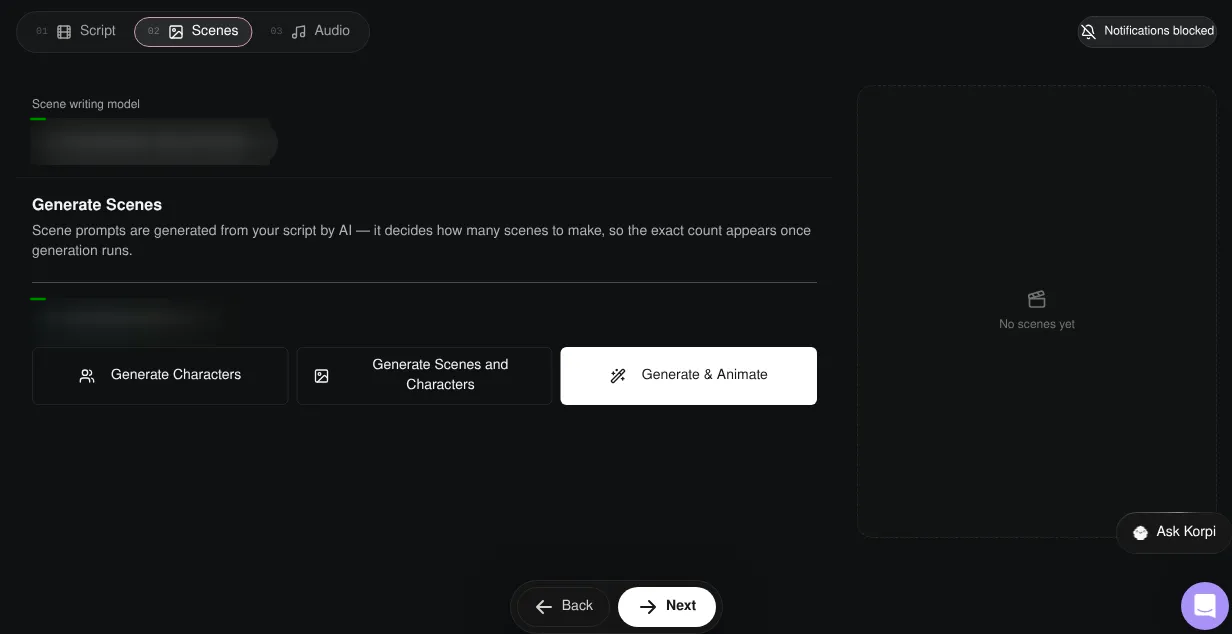
Step 4: Check the scenes and animate
Each scene shows Triple T in the same car with the food from that line. Regenerate any scene that drifts, then animate them all with Animate All. Revoice All redoes the voices if you change a line.
Step 5: Captions, music and render
On the Audio tab, captions are on by default; pick a caption style. Background music starts off. You can add a track or upload your own, but Korpi warns that music can get a video taken down on YouTube Shorts. Click Generate video.

Plan it for free first (optional)
If you work inside Claude or ChatGPT, connect Korpi MCP. Its script and storyboard planning tools are free on every account, no plan needed. Brainstorm menu items and verdicts in chat, then paste the best script into the Story Script box.
Tips for brainrot food reviews
- Name the food like a brand. "Big Tung Burger" is funnier than "a burger".
- One reaction per scene. Unwrap, bite, react, verdict. Four scenes is enough.
- Commit to the deadpan. The joke is a serious review from a log.
- Make it a series. Same reviewer, new restaurant every episode.
Italian Brainrot FAQ
What is Korpi's brainrot format?
Brainrot Food Review: a wooden-log reviewer called Triple T tastes drive-through food in his car and gives a deadpan verdict, in a Pixar-style 3D look.
How long are the videos?
30 seconds (exactly 4 scenes) or one minute (exactly 8 scenes).
Can I write my own review?
Yes. Use Custom Topic in the script dialog, or type your script straight into the Story Script box.
Is it free?
You can watch the example free, and planning through Korpi MCP is free on any account. Generating and exporting your own Brainrot Food Review video needs a paid Korpi plan. See pricing for current plans.
See what else Korpi makes
Every video below is a real render — click one and make your own version.
Ready to create viral content?
Watch the example free and plan scripts free with Korpi MCP. Generating and exporting your own Brainrot Food Review video requires a paid plan.
Open This NicheFound this helpful? Share it with other creators!