How to Make Kids' Cartoon Videos, Step by Step
How to make kids' cartoon videos in Korpi: gentle 3D bedtime stories and toddler lessons with recurring characters, from a script type to a finished episode.
Published
Quick answer
Pick the creator that fits your channel. Bedtime Stories makes calm 3D stories that end with everyone asleep. Toddler Lessons makes longer 16:9 episodes that teach one habit, such as sharing. In either one, click Generate w/ AI on the Script tab, pick a Script Type and a duration, generate the script, then generate the characters and scenes on the Scenes tab and render.
What a kids' cartoon video looks like
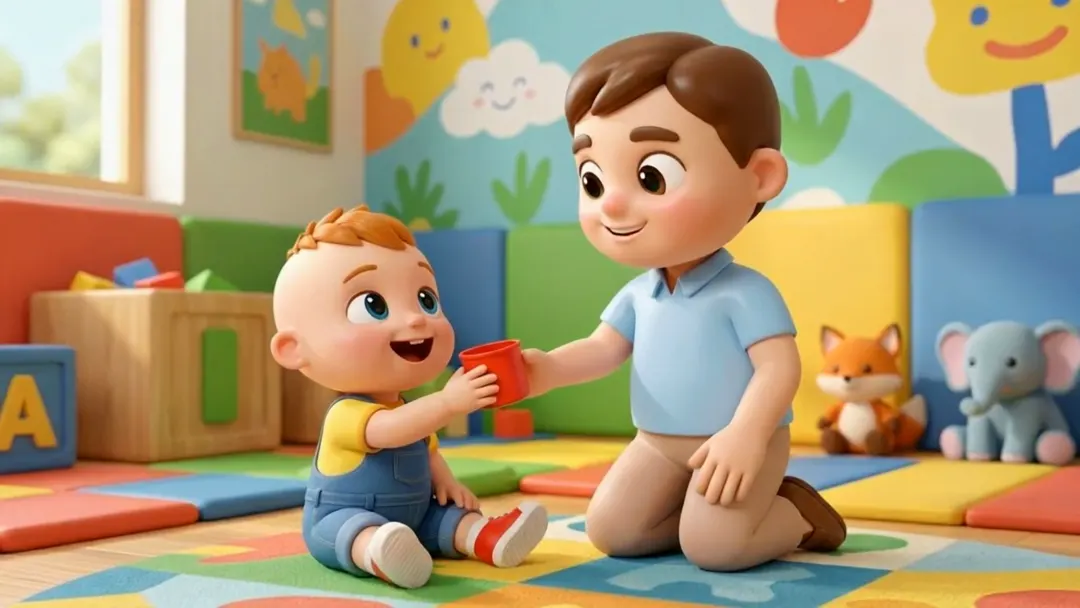
Both creators use a soft, glossy 3D cartoon look and recurring characters, so a channel feels like one show.
- Bedtime Stories. Warm night-time scenes: toys that wake up in the moonlight, sleepy forest animals, a dreamlike journey. Characters speak in a whisper-warm voice and every story ends with everyone tucked in.
- Toddler Lessons. A bright playroom world with a recurring cast (Pipo, Lulu, Kofi, Mommy and Daddy). Toddlers speak in short lines of a few words, and each episode teaches one habit. Episodes are 16:9 and run longer, 3 minutes by default.
See /best-ai/kids-cartoons for the example videos.
Step 1: Open the creator
Open Bedtime Stories or Toddler Lessons. Both have Script, Scenes and Audio tabs, a One-off / Series switch and a Narration Script box.
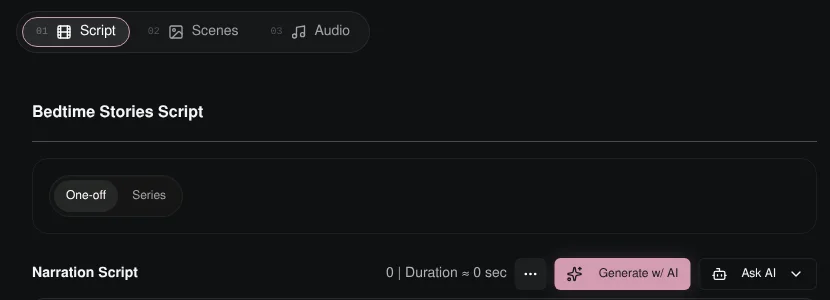
Step 2: Pick a script type and duration
Click Generate w/ AI.
Bedtime Stories has three script types:
- Magic Toys (the default): the moonbeam wakes the toys for one gentle magical night.
- Sleepy Animals: a glowing guide leads a goodnight round through the forest.
- Goodnight Journey: a sleepy cloud-train, paper boat or balloon carries a child into dreamland.
Toddler Lessons has Learn To Share (the default), Healthy Habits, Safety Habits and Big Feelings.
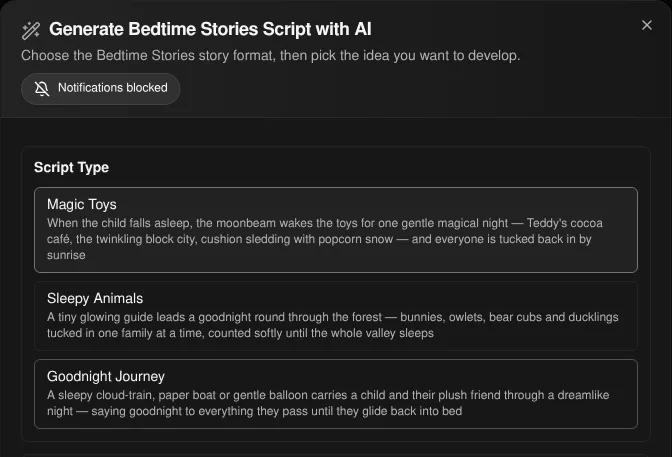
Both offer durations from 30s to 15m. Bedtime Stories defaults to 45s and Toddler Lessons to 3m. Then choose a source: Idea List (click Generate Ideas), Custom Setup (a Setup / Situation plus a Story Hook or Lesson Hook, for example "The Sleeping Child" and "Teddy's Secret Cocoa Café") or Remix Video. Generate the script and edit any line in the Narration Script box.
Step 3: Generate the characters and scenes
On the Scenes tab, click Generate Scenes and Characters. Korpi finds the recurring characters and settings and shows them under Review your elements. Approve or regenerate them, then click Continue to scene images. The same teddy or the same toddler then appears in every scene.
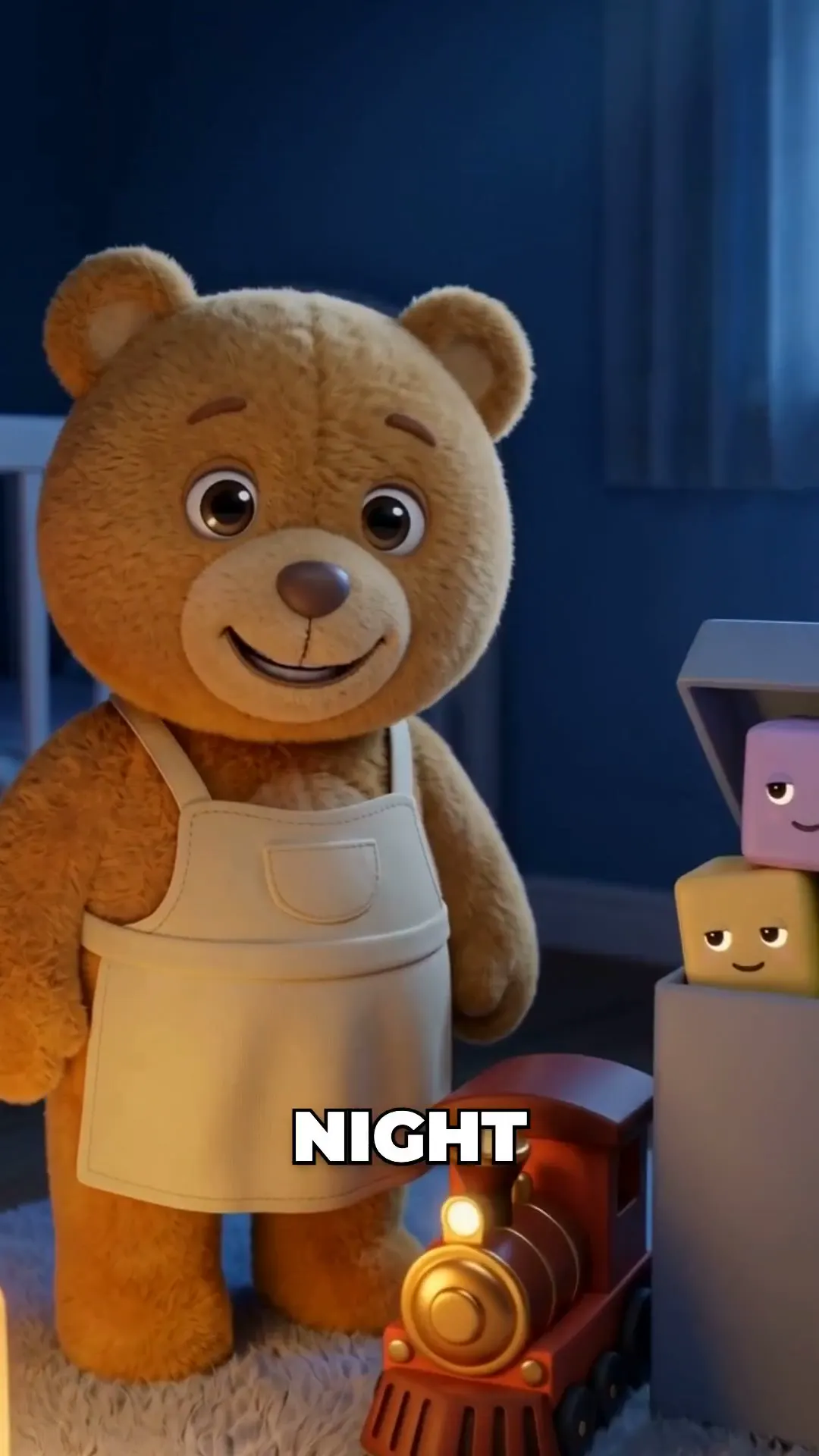
Regenerate any scene you do not like, then animate with Animate All, or use Generate All and Animate to do everything in one pass.
Step 4: Music and render
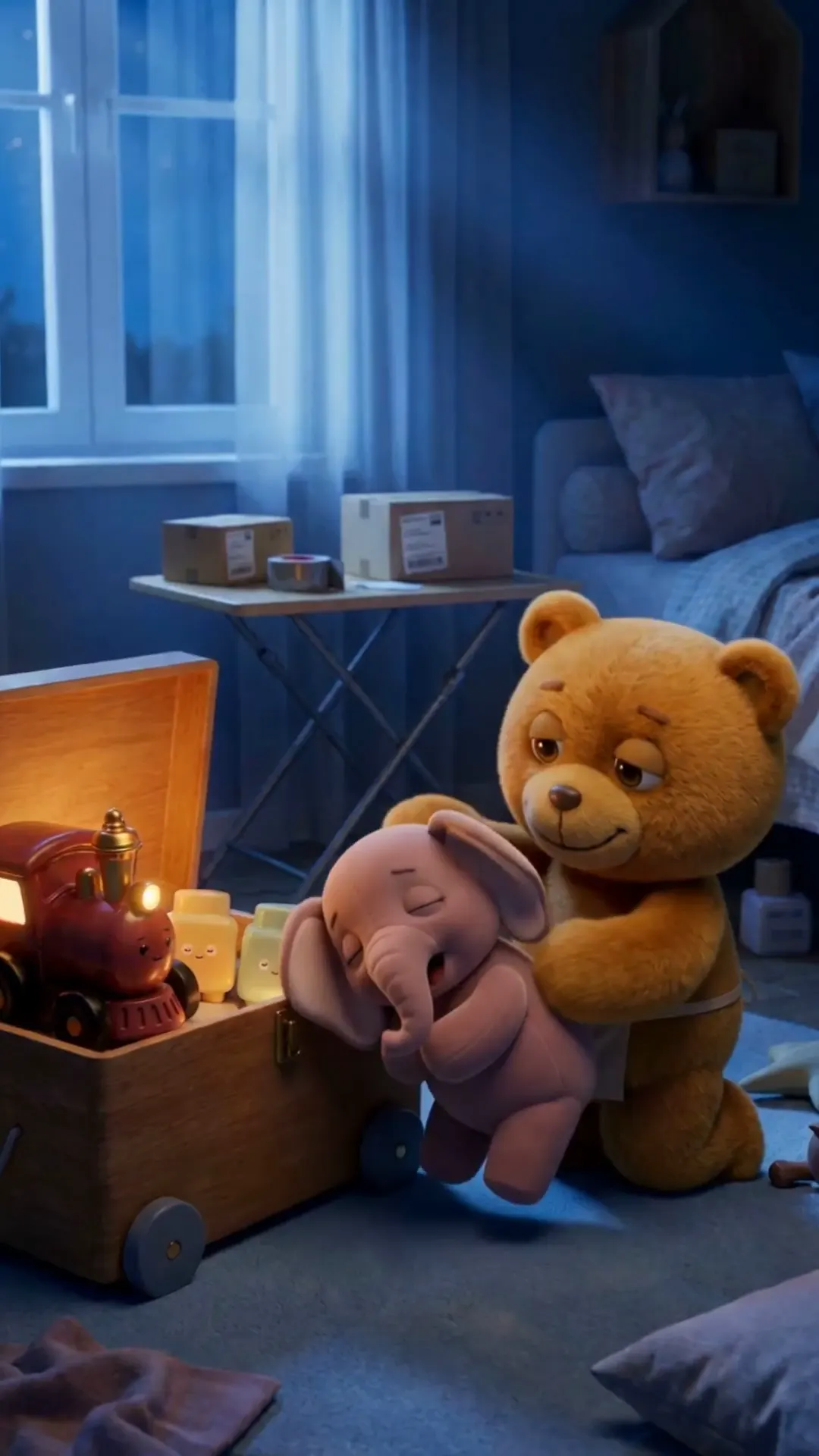
On the Audio tab, Bedtime Stories starts with a soft music bed at a low volume; Toddler Lessons starts with no music. Change it or upload your own. Click Generate video.
Step 5: Make longer lessons in 16:9
For long-form YouTube episodes, use Toddler Lessons. It is built for 16:9 and runs many short scenes, more for longer episodes, so a full lesson can play out.
Plan it for free first (optional)
If you work inside Claude or ChatGPT, connect Korpi MCP. Its script and storyboard planning tools are free on every account, no plan needed. Plan a season of bedtime stories or lessons in chat, then make each episode in the creator.
What makes a kids' cartoon work
- One gentle idea. One toy's adventure, one habit, one feeling.
- The same friends every time. Recurring characters are why kids come back.
- Calm endings. Bedtime stories should slow down and land on sleep.
- Short lines. Toddler lines work best at two to eight words.
Kids' Cartoon FAQ
Which Korpi creator is best for kids' cartoons?
Bedtime Stories for calm 3D stories that end in sleep. Toddler Lessons for longer 16:9 episodes that teach one habit.
Do the characters stay the same between episodes?
Yes. Korpi makes a reference for each character and reuses it in every scene, and Series mode keeps a show together across parts.
Can I write my own story?
Yes. Use Custom Setup in the script dialog, or paste your own script into the Narration Script box.
Is it free?
You can watch the examples free, and planning through Korpi MCP is free on any account. Generating and exporting your own kids' cartoon video needs a paid Korpi plan. See pricing for current plans.
See what else Korpi makes
Every video below is a real render — click one and make your own version.
Ready to create viral content?
Watch the example free and plan scripts free with Korpi MCP. Generating and exporting your own kids' cartoon video requires a paid plan.
Open This NicheFound this helpful? Share it with other creators!