Cyber Security Explainer · Made with Korpi
Make a faceless video.From your own idea.
We research what’s trending in your niche, then write your original script. Animation, voice and captions included.
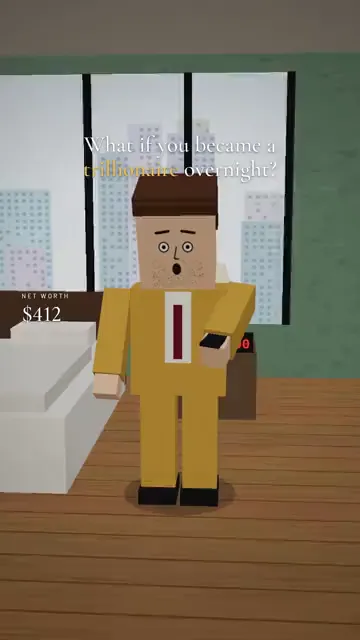

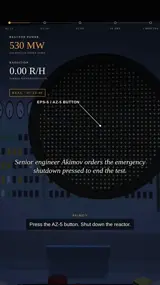
Create an account to start your story.
Why Korpi AI is the best AI for cyber security explainer videos
Five script types: How Hackers Actually Do It, What Happens When You Click, 3 Signs It Is A Scam, Your IP Reveals This and Never Do This Online.
The hoodie mascot is locked, so every scene and every episode keeps the same recurring character.
Every script is tagged sourced, estimate or framing, and scenes never show real logos, URLs or email addresses.
Liam narrates the short and yellow word-by-word captions are on by default.
How to make cyber security explainer videos with AI
- 1
Choose a threat and an angle
Pick a script type and a 30, 45 or 60 second length, then generate or write your narration.
- 2
Review the mascot and scenes
Approve the hoodie mascot, generate the flat 2D scenes and animate individual scenes or the full sequence.
- 3
Set audio and render
Keep the narrator and yellow captions, optionally add a quiet music bed, then render your vertical short.
Popular use cases
- Scam and phishing awareness shorts
- Password and privacy tips
- What your data really reveals
What it costs
Watching examples is free. Making and exporting your own Cyber Security Explainer video needs a paid plan, and AI generation uses credits. The AI credit cost is shown and confirmed before a render is charged; failed or cancelled renders are refunded.
- Hobby
- $16.99/month
- Clipper
- $27.99/month
- Pro
- $47.99/month
- Unlimited
- $149/month
Standard monthly prices in USD. See all plans
Frequently asked questions
What does a cyber security explainer look like?
A flat 2D cartoon mascot in a navy hoodie reacts at his desk while glowing diagrams — a map ping, an IP tree, a shield hologram or a phishing email — show what is happening behind the screen.
Does it teach people how to hack?
No. Scripts explain how attacks work so viewers can recognise and avoid them, and never give step-by-step attack instructions.
What topics can I use?
Scams, phishing, passwords, IP addresses, data breaches, VPNs, social engineering, the dark web and privacy settings. You can also write your own narration.
Are captions included?
Yes. Yellow word-by-word captions are on by default and can be switched off or restyled on the Audio tab.
Start making cyber security explainer videos with Korpi AI
Turn a scam, a link or a bad password habit into a 45-second cyber-safety short.
Create your first video